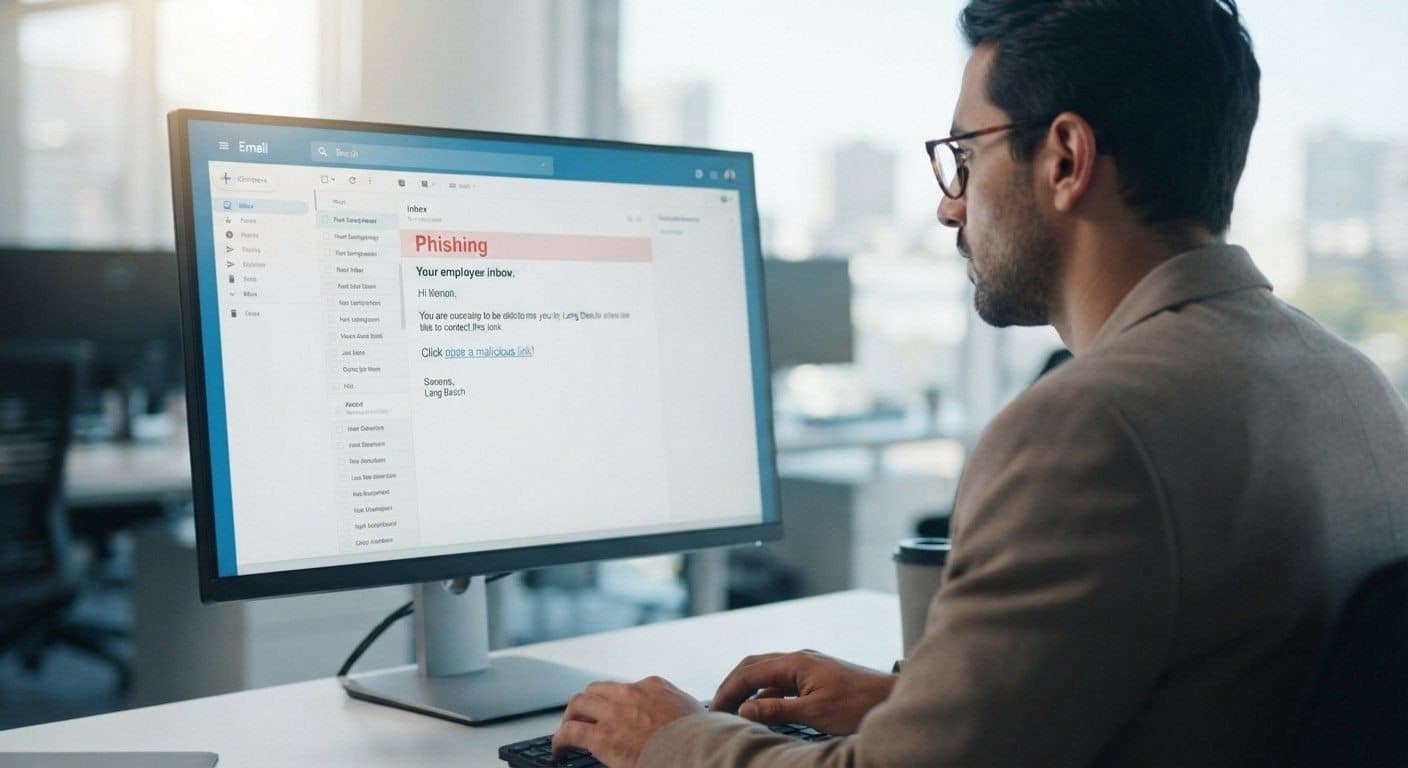
Can Antivirus Software Remove Every Virus?
What Antivirus Programs Can Detect, What They Can't, and When Professional Virus Removal Is Necessary
Antivirus software is an important part of computer security, but it cannot guarantee protection against every cyber threat. Some infections may evade detection, return after removal, or leave behind changes that affect a computer's security and performance.
For businesses, the consequences can extend beyond a single device. A compromised computer may expose business information, disrupt employee productivity, or create risks for shared systems and company accounts.
So, can antivirus software remove every virus? No. Antivirus tools can detect and remove many threats, but some infections require further investigation, specialized remediation, or broader security measures.
For businesses in Mountain View, California, and Long Beach, California, understanding these limitations can help IT teams respond to suspicious activity and reduce the risk of repeated infections.
This guide explains what antivirus software can do, why malware sometimes persists, how to respond to a suspected infection, and when professional IT or cybersecurity support may be necessary.

What Does Antivirus Software Actually Do?
Antivirus Software Detects, Blocks, and Removes Known Threats
Antivirus software is designed to identify potentially harmful software and prevent it from damaging your computer or accessing your information. Depending on the product, it may use virus definitions, behavioral analysis, cloud-based threat intelligence, and real-time monitoring to identify suspicious activity.
When antivirus software detects a threat, it may block the file, quarantine it, or attempt to remove it from the computer.
Modern security software can protect against more than traditional computer viruses. It may also identify ransomware, spyware, trojans, worms, potentially unwanted programs, and other malicious software.
However, antivirus protection works within certain technical limitations. A threat that has not yet been identified or that is specifically designed to evade detection may require additional investigation.
Can Antivirus Software Remove Every Virus?
No Security Program Can Guarantee 100% Malware Detection
Antivirus software can remove many infections, but it cannot guarantee that every threat will be detected and removed.
One reason is that malware constantly evolves. Cybercriminals create new variants and modify existing threats to avoid detection. A newly created piece of malware may not immediately match known signatures in an antivirus database.
Some threats also use techniques designed to hide their activity. Malware may disguise itself as legitimate software, modify system settings, or attempt to disable security tools.
This doesn't mean antivirus software is ineffective. It means antivirus should be viewed as one important layer of a broader security strategy, rather than an absolute guarantee that a computer can never become infected.
Viruses Are Only One Type of Malware
Your Computer Could Have a Different Kind of Threat
The term "computer virus" is often used to describe any malicious software, but technically, a virus is only one category of malware.
Other types of malicious software include:
Trojans: Malicious programs disguised as legitimate applications.
Ransomware: Malware designed to encrypt files or disrupt access until demands are met.
Spyware: Software that can secretly monitor activity or collect information.
Worms: Malware capable of spreading across systems or networks.
Adware: Software that generates unwanted advertisements and may sometimes track activity.
Rootkits: Threats designed to hide deep within an operating system and evade detection.
This distinction matters because different threats can behave differently and may require different removal techniques.
A computer that doesn't technically have a "virus" can still have a serious malware infection.
Why Antivirus Software Sometimes Fails to Remove Malware
Some Infections Require More Than a Standard Scan
There are several reasons an antivirus program may detect a threat but fail to completely remove it.
Malware can sometimes hide within system processes, modify permissions, interfere with security programs, or reinstall itself after removal. A computer can also have multiple infections, making the cleanup process more complicated.
A particularly persistent infection may continue affecting the system even after the obvious malicious file has been deleted.
Operating system damage can create another challenge. If malware has changed system settings or corrupted important files, simply removing the malicious program may not restore the computer to normal operation.
In these situations, a deeper diagnostic assessment can help determine whether the system is actually clean and functioning correctly.
Signs Your Computer May Still Be Infected
Unusual Computer Behavior Can Be an Important Warning
If your antivirus software reports that it removed a threat but your computer continues behaving strangely, don't automatically assume everything is resolved.
Potential warning signs include:
Unexpected pop-ups
Browser redirects
Unfamiliar applications
Significant performance problems
Frequent crashes
Unusual network activity
Security settings changing without permission
Unknown browser extensions
Repeated antivirus alerts
Accounts showing suspicious activity
Not every one of these symptoms automatically means your computer has malware. Slow performance, for example, can also result from failing hardware, insufficient storage, software conflicts, or an aging operating system.
That is why professional diagnostics can be useful when the cause isn't obvious.
What Should You Do If Antivirus Can't Remove a Threat?
Avoid Continuing to Use an Infected Computer Normally
If your antivirus program repeatedly identifies malware that it cannot remove, take the warning seriously.
First, avoid entering passwords, banking information, or other sensitive data on the potentially compromised computer. If appropriate, disconnect the device from the internet to reduce the possibility of further communication with malicious systems.
Don't repeatedly download random "virus removal" programs from unfamiliar websites. Some websites claiming to fix infections can actually distribute additional unwanted software.
If important files are stored on the computer, be careful when creating backups. Simply copying every file to another device can potentially transfer malicious files as well.
When an infection persists, professional assistance can help determine what is actually happening before additional changes are made to the system.
Why Professional Virus Removal Can Help
A Deeper Assessment Can Identify Problems a Standard Scan Misses
Professional virus removal involves more than clicking "scan" and waiting for a result. A technician can examine the computer's behavior, security configuration, installed applications, system processes, browser settings, and other indicators of compromise.
Depending on the situation, professional virus removal may involve:
Malware identification
System diagnostics
Manual threat removal
Browser cleanup
Removal of unwanted applications
Security configuration
Operating system troubleshooting
Post-removal testing
The objective isn't simply to delete one suspicious file. It is to determine whether the infection has affected other parts of the system and whether the computer can safely return to normal use.
For customers in Mountain View who continue experiencing suspicious computer behavior despite using antivirus software, professional virus removal services can provide another level of investigation.
Antivirus Is Still Important
Professional Virus Removal Does Not Replace Antivirus Protection
The limitations of antivirus software don't mean you should stop using it. In fact, reliable security software remains an important part of protecting computers from malware.
Antivirus programs can help detect threats before they cause significant damage and can block many malicious files and activities automatically.
The strongest approach combines antivirus protection with other security practices, including keeping software updated, using strong passwords, enabling multi-factor authentication, maintaining reliable backups, and being cautious about unexpected links and attachments.
Think of antivirus as one layer of protection rather than the entire security strategy.
How to Reduce the Risk of Future Infections
Prevention Is Easier Than Cleaning Up a Compromised Computer
Good security habits can significantly reduce exposure to malware.
Keep your operating system, browsers, applications, and security software updated. Software updates frequently include security fixes for vulnerabilities that attackers may attempt to exploit.
Use multi-factor authentication whenever it is available, particularly for email, financial accounts, cloud services, and business applications.
Be cautious with unexpected email attachments, links, downloads, and software installers. If a message creates urgency or asks you to provide credentials immediately, verify the request before taking action.
Regular backups are also important. If malware or ransomware damages your files, a reliable backup can provide a recovery option.
Virus Removal and Cybersecurity Services in Mountain View, California
Businesses in Mountain View often depend on laptops, cloud applications, business email, shared networks, and digital collaboration tools to maintain daily operations.
When a device shows signs of malware, the issue may extend beyond that individual computer. IT teams may need to evaluate whether accounts, shared files, connected systems, or other endpoints require attention.
Creative Tech supports businesses with IT management and cybersecurity services, helping organizations address technology risks and maintain more reliable systems.
Depending on the business's needs, relevant services may include:
Managed IT support and endpoint management.
Cybersecurity assessment and protection.
Network infrastructure management.
Cloud security and administration.
Backup and recovery planning.
IT troubleshooting and remediation coordination.
For organizations in Mountain View and the surrounding Bay Area, a structured assessment can help identify potential weaknesses and determine appropriate next steps.
Virus Removal and Cybersecurity Services in Long Beach, California
Businesses in Long Beach rely on secure computers, business applications, reliable networks, and accessible data to support employees and customers.
A malware incident can disrupt these operations, especially when devices are connected to shared systems or used to access business email and cloud services.
Effective remediation should consider both the affected device and the wider business environment. Depending on the circumstances, that may involve investigating the infection, checking security configurations, reviewing account access, and assessing whether additional systems need attention.
Creative Tech provides business-focused IT and cybersecurity services through its Mountain View and Long Beach operations. Organizations can discuss their technology environment, current concerns, and support requirements to determine an appropriate approach.
How Creative Tech Helps Businesses Strengthen IT Security
Creative Tech focuses on business technology management and cybersecurity. Its services can help organizations establish more consistent processes for managing systems, maintaining infrastructure, and addressing technology risks.
Depending on the service agreement, support may include managed IT services, cybersecurity, network infrastructure, cloud solutions, backup and recovery, and IT consulting.
For businesses experiencing repeated malware alerts or other suspicious activity, the next step is to determine whether the issue requires device-level remediation, a wider security review, or both.
A technology assessment can help clarify the problem and identify priorities based on the organization's systems, risks, and operational requirements.
Need help reviewing a potential malware issue or strengthening your business's IT security? Contact Creative Tech to discuss your requirements in Mountain View, Long Beach, or the surrounding service areas.
CTA: Request an IT Assessment
How to Prevent Future Malware Infections
Prevention requires a combination of technology, maintenance, and employee practices.
Keep systems updated. Apply supported security updates to operating systems, browsers, applications, and network devices.
Use reputable security software. Ensure endpoint protection is enabled, updated, and configured appropriately.
Enable multi-factor authentication. Add protection to email, cloud services, remote access, and other important accounts.
Limit administrator privileges. Give users only the permissions required for their roles.
Train employees to recognize threats. Teach staff how to identify suspicious links, unexpected attachments, and credential requests.
Maintain protected backups. Regularly verify backup jobs and test data restoration.
Monitor unusual activity. Establish procedures for reviewing alerts and escalating suspected incidents.
Review access regularly. Remove unnecessary accounts and permissions, especially when employees leave the organization.
Prepare an incident-response plan. Define how to isolate affected devices, investigate incidents, communicate with stakeholders, and restore operations.
These measures cannot guarantee that a business will never experience malware, but they can help reduce exposure and improve readiness.
Conclusion: Antivirus Is Important, but It Is Not a Complete Security Strategy
Antivirus software can detect and remove many types of malware, but it cannot guarantee that every infection will be identified or completely eliminated. Persistent threats, reinfection, compromised accounts, and system damage may require additional investigation.
For businesses, the response should extend beyond running another scan. It should consider the affected device, the possibility of wider compromise, the safety of business information, and the steps needed to restore operations.
Creative Tech helps businesses in Mountain View, California, and Long Beach, California, manage IT and strengthen their cybersecurity approach.
Contact Creative Tech to discuss your business's IT security needs and identify the next steps for a more secure technology environment.
Frequently Asked Questions About Virus Removal
Can antivirus software remove every virus?
No. Antivirus software can detect and remove many threats, but no security product guarantees detection and removal of every virus or malware variant. Some infections require additional investigation or remediation.
Why can't my antivirus remove a virus?
An antivirus program may struggle with a threat if it interferes with security tools, contains multiple components, returns after removal, or affects system settings. A detailed assessment can help identify why the threat persists.
How do I know if a virus is still on my computer after a scan?
Repeated security alerts, unexpected browser changes, unfamiliar applications, suspicious activity, or recurring performance problems may indicate an unresolved issue. These symptoms can have other causes, so further diagnosis may be necessary.
What is the difference between a computer virus and malware?
Malware is the broad term for malicious software. A computer virus is one type of malware. Other categories include ransomware, spyware, Trojans, worms, and rootkits, which can require different detection and remediation approaches.
Is Windows Security enough to protect a business computer?
Windows Security provides built-in protection for supported Windows systems, but business security needs depend on the organization's risk, devices, data, and infrastructure. Additional controls may include centralized endpoint management, email security, multi-factor authentication, backups, monitoring, and incident-response procedures.
Should I disconnect my computer if I suspect a virus?
Disconnecting a potentially compromised device from the network may help limit further exposure, particularly during a suspected active incident. For business systems, follow your incident-response procedures and consult IT support when possible so the response does not unnecessarily disrupt operations or destroy useful evidence.
Can a virus return after antivirus removes it?
Yes. A threat may return if another component reinstalls it, a security weakness remains, or a compromised account continues to be accessible. Repeated detections should be investigated rather than treated as isolated alerts.
Does removing a virus restore damaged files?
Not necessarily. Malware removal addresses the malicious software, but it does not always repair corrupted files, reverse unauthorized changes, or restore encrypted information. Depending on the incident, recovery may require backups, system repair, or a rebuild.
How much does professional virus removal cost?
The cost depends on the type of infection, the device, the severity of the problem, the amount of investigation required, and whether system repair or recovery is necessary. Businesses should request a clear scope of work and pricing before authorizing remediation.
Does Creative Tech provide cybersecurity services in Mountain View, California?
Creative Tech serves businesses through its Mountain View operations and offers business-focused IT and cybersecurity services. Contact the team to discuss your environment, security concerns, and appropriate support options.
Does Creative Tech provide IT and cybersecurity support in Long Beach, California?
Creative Tech supports businesses through its Long Beach and Mountain View operations. Available services and requirements should be confirmed with the team based on the organization's location and technology needs.
What should a business do after a malware infection?
A business should assess the scope of the incident, isolate affected devices when appropriate, protect important information, investigate possible account or network compromise, and verify that systems are safe to restore. Serious incidents may require coordinated IT and cybersecurity support.
Need help strengthening your business's cybersecurity?
Creative Tech helps businesses manage IT, improve security practices, and plan for reliable technology operations.
Need device repair? Visit Creative Tech for a free diagnostic.