Managed IT Services vs. Hiring an In-House IT Team: Which Is Better for Your Business?
As businesses grow, technology becomes increasingly important to daily operations. Employees rely on computers, cloud applications, business networks, email, and cybersecurity systems to work efficiently. But managing these systems requires time, expertise, and ongoing investment.
This raises an important question for business owners: Is it better to hire an in-house IT team or outsource IT management to a managed service provider (MSP)?
The answer depends on your company's size, budget, security requirements, and long-term goals. An in-house IT team provides direct control and dedicated internal knowledge, while managed IT services give businesses access to a broader range of technical expertise through an external provider.
For small and growing businesses, managed IT services can be a practical way to manage technology, strengthen cybersecurity, and reduce the burden of maintaining an entire IT department. Larger organizations may benefit from an internal team or a combination of both approaches.
In this guide, CreativeTech compares managed IT services vs. hiring an in-house IT team to help you determine which model best fits your business.

What Are Managed IT Services?
Managed IT services involve partnering with an external IT provider to monitor, maintain, secure, and support your business technology. This provider, commonly called a managed service provider (MSP), handles the specific IT responsibilities outlined in your service agreement.
Rather than waiting for technical problems to disrupt operations, managed IT services focus on proactive maintenance, system monitoring, security management, and ongoing technical support.
Depending on the agreement, managed IT services may include:
IT help desk and employee support
24/7 system monitoring
Computer and device management
Software updates and patch management
Network management and troubleshooting
Cybersecurity monitoring and protection
Cloud services and Microsoft 365 support
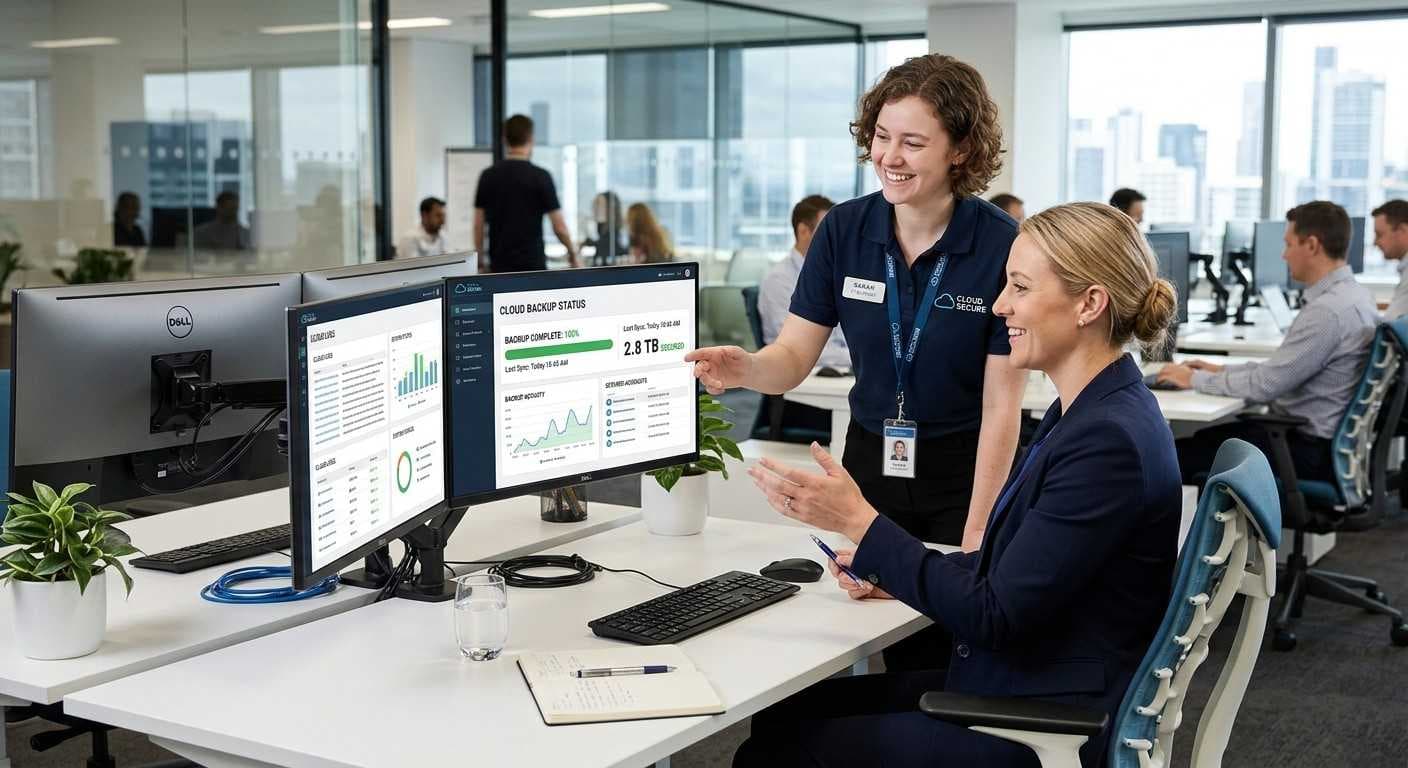
Data backup and disaster recovery
IT consulting and technology planning
With managed IT services, your business gains access to an external team without having to recruit and manage every technical specialist internally. The exact services, response times, and support hours depend on the provider and contract.
What Is an In-House IT Team?
An in-house IT team consists of employees hired directly by your business to manage its technology infrastructure and provide technical support.
Depending on your company's needs, this might be one IT generalist or a larger department with specialists in cybersecurity, networking, cloud computing, systems administration, and technical support.
An internal team can provide direct assistance to employees, understand company-specific workflows, manage technology projects, and respond to issues onsite.
However, maintaining an in-house IT department involves more than paying salaries. Businesses must also account for recruitment, benefits, training, software, security tools, and continued professional development.
A small team may also have limited availability when employees are on leave or dealing with several technical issues at once.
1. Cost Comparison: Is Managed IT Cheaper Than Hiring IT Staff?
Cost is often one of the biggest considerations when comparing managed IT services with an in-house IT team.
Hiring an internal IT employee creates ongoing expenses beyond their base salary. These may include benefits, payroll costs, recruitment, training, professional certifications, hardware, software licenses, monitoring tools, and backup coverage.
If your business requires expertise across several technical areas, you may need multiple employees to cover support, cybersecurity, networking, and cloud management.
Managed IT services generally use an agreed recurring fee, although projects, hardware, licenses, and out-of-scope work may incur additional charges. This structure can make budgeting easier and provide access to skills that might otherwise require several hires.
The important comparison is total cost, not just monthly salary versus monthly service fees. Consider what each option covers, how much downtime costs your business, and whether specialist support is included.
Managed IT may be a suitable option for small and midsize businesses that need broad technical support without building a full internal department. An in-house team may offer better value for organizations with substantial, continuous internal IT workloads.
2. Technical Expertise and Access to Specialists
Modern business IT involves more than fixing computers. Organizations may need help with cloud platforms, network infrastructure, cybersecurity, backups, user access, and technology planning.
An in-house generalist may handle many everyday tasks effectively, but it can be difficult for a small team to maintain deep expertise across every technical area.
A managed service provider can bring together professionals with different specialties. Depending on the agreement, your business may gain access to help desk support, network management, cloud expertise, and cybersecurity services through one provider.
This can be especially valuable for growing businesses that need specialist support but do not have enough work to justify hiring a full-time expert in every area.
An internal team still offers an important advantage: employees develop detailed knowledge of your company's applications, processes, and priorities.
The decision comes down to whether your business needs dedicated internal knowledge, broader specialist coverage, or a combination of both.
3. Cybersecurity and Risk Management
Cybersecurity is a critical consideration when choosing between managed IT and an in-house team.
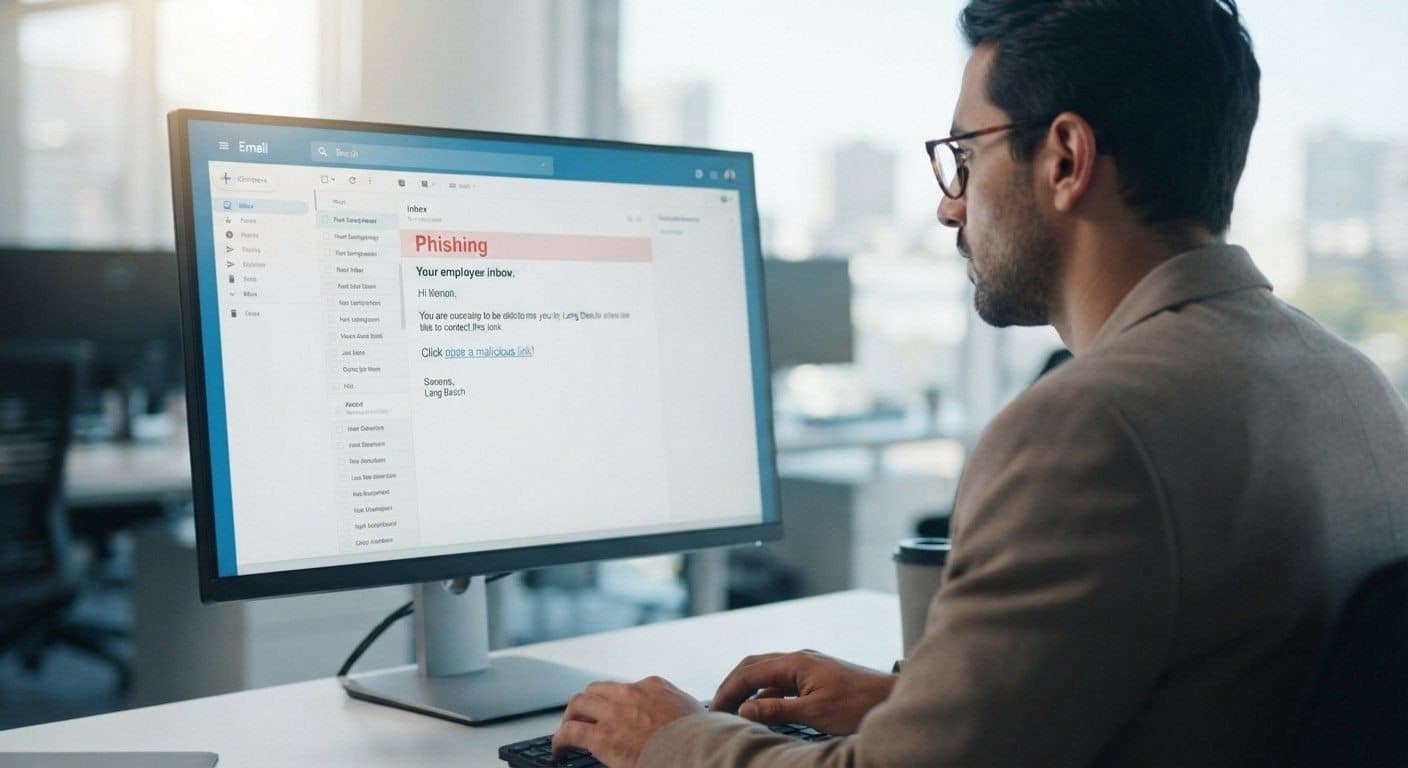
Businesses must protect sensitive information, employee accounts, customer data, networks, and cloud applications from threats such as phishing, ransomware, unauthorized access, and data loss.
An in-house IT team can manage security when it has the necessary expertise, tools, and resources. However, smaller teams may struggle to balance daily support requests with security monitoring, vulnerability management, patching, employee awareness, and incident preparation.
A managed IT provider may offer services such as endpoint protection, email security, system monitoring, security awareness training, vulnerability assessments, and backup management.
CreativeTech offers managed security services alongside IT management, helping businesses address technology and security needs through a coordinated approach.
Keep in mind that outsourcing IT does not automatically guarantee complete protection. Businesses should confirm which security controls are included, who responds to incidents, how backups are tested, and what responsibilities remain with the organization.
4. Support Availability and Business Downtime
When an employee cannot access a critical application or a network stops working, the disruption can affect productivity, customer service, and revenue.
An in-house IT employee may resolve onsite problems quickly, particularly when the issue requires physical access to equipment. However, one employee cannot always provide continuous coverage, especially during holidays, illness, or periods of high demand.
Managed IT providers can offer structured help desk support, remote troubleshooting, monitoring, and escalation processes. Some provide round-the-clock monitoring and support, depending on the service agreement.
Before selecting a provider, ask about:
Support hours and emergency coverage
Response and resolution targets
Escalation procedures for critical issues
Remote support and onsite availability
Backup and disaster recovery responsibilities
For businesses with multiple locations or employees working remotely, clearly defined support coverage can help reduce uncertainty when technical problems occur.
5. Scalability as Your Business Grows
Your IT requirements today may look very different from those you have next year. Hiring new employees, opening offices, adopting cloud applications, and supporting remote work can all increase the demands on your technology infrastructure.
Expanding an in-house team requires recruiting, onboarding, and training additional employees. That process takes time and may increase fixed operating costs.
Managed IT services can often scale by adjusting the service scope, adding users, or introducing additional security and infrastructure services. Changes still depend on the provider's capacity, pricing, and contract terms.
For growing businesses, this flexibility can make it easier to align IT support with changing operational needs.
Whether you choose internal or outsourced IT, a technology roadmap can help you plan upgrades, manage risks, and budget for future requirements.
6. Control, Communication, and Company-Specific Knowledge
An in-house IT team works directly within your organization. Employees can collaborate closely with departments, understand internal workflows, and respond to changing priorities.
Managed IT requires a strong working relationship with an external provider. Responsibilities, communication channels, escalation paths, and service expectations should be agreed upon from the beginning.
A reliable provider should document your systems, communicate clearly, and explain recommendations in terms of business impact rather than technical jargon.
Before signing an agreement, confirm who owns administrative accounts and data, how changes are approved, how performance is reported, and what happens if you change providers.
The goal is not simply to outsource technical tasks. It is to establish clear accountability for the technology your business depends on.
7. Co-Managed IT: A Third Option
Businesses do not always have to choose between completely outsourced IT and a fully internal department.
Co-managed IT combines your existing IT team with an external managed service provider. Your employees retain responsibility for internal systems and business-specific priorities, while the provider fills gaps in expertise, coverage, or resources.
For example, an internal IT manager might oversee daily employee needs and company applications while an external provider supports cybersecurity, system monitoring, network management, or cloud projects.
This model can be useful when your internal team is capable but overextended, or when you need specialist support without hiring additional full-time employees.
CreativeTech also offers co-managed IT services for businesses that want to supplement their internal IT capabilities rather than replace them.
Learn more about co-managed IT services and their benefits.
Which IT Support Model Is Right for Your Business?
Use these general guidelines to identify which model may fit your requirements.
Managed IT services may be a good fit if:
You need ongoing IT support without building a full department.
Your business requires several technical specialties.
You want defined support coverage and proactive monitoring.
Cybersecurity and infrastructure management exceed your current team's capacity.
You expect your IT needs to change as your business grows.
An in-house IT team may be a good fit if:
Your organization requires dedicated onsite support throughout the day.
Your systems and workflows need constant internal attention.
You have the budget to recruit and retain the required specialists.
Your internal team has the skills and resources to meet security and support requirements.
Co-managed IT may be a good fit if:
You already employ IT staff but need additional expertise.
Your internal team needs help with monitoring or cybersecurity.
You want external support for specific projects or after-hours coverage.
You prefer to retain internal ownership while sharing defined responsibilities.
The best decision comes from assessing your current environment, support needs, risk exposure, and total cost of ownership.
Managed IT Services in Mountain View, CA, and Long Beach, CA
Businesses need IT support that reflects their operations, security requirements, and growth plans—not simply a list of technical services.
For companies in Mountain View and the wider San Francisco Bay Area, managed IT services can help maintain business networks, support employees, improve cybersecurity, and plan for technology growth. CreativeTech provides managed IT services, help desk support, proactive monitoring, cloud solutions, network infrastructure, backup and disaster recovery, and IT consulting.
For businesses in Long Beach, California, the same decision involves evaluating how IT support will cover employees, devices, business applications, security, and any onsite requirements. When comparing providers, confirm service-area coverage, onsite availability, response commitments, and whether remote support meets your operational needs.
CreativeTech can help businesses evaluate their IT requirements and identify an appropriate support model. If your organization is considering managed or co-managed IT, begin with a review of your current infrastructure, recurring problems, security controls, and technology priorities.
Explore Creative Tech's managed IT services to learn more about its approach to proactive IT management.
Frequently Asked Questions
Is managed IT better than hiring an in-house IT team?
Managed IT can suit businesses that need broad technical expertise, proactive monitoring, and structured support without employing a full IT department. An in-house team may be better for organizations that need dedicated onsite assistance and direct internal control. The right choice depends on workload, budget, expertise, and risk.
Is managed IT cheaper than an in-house IT team?
It can be, particularly when a business needs several types of IT expertise but does not require each specialist full time. Compare the full cost of salaries, benefits, training, tools, coverage, and downtime against the provider's fees and exclusions before deciding.
What is included in managed IT services?
Managed IT services may include help desk support, system monitoring, patch management, network management, device administration, cloud support, cybersecurity, backups, and IT planning. Services vary by provider and agreement, so confirm the exact scope before signing a contract.
Can a managed service provider replace an in-house IT department?
Yes, for some businesses, a managed service provider can handle most or all agreed IT responsibilities. Other organizations need an internal employee for onsite support, business-specific systems, or strategic decisions. A co-managed arrangement can combine both models.
What is co-managed IT support?
Co-managed IT is a shared support model in which an external provider works alongside an internal IT team. The provider may handle specialist tasks, monitoring, cybersecurity, or additional support coverage while internal employees retain responsibility for selected systems and priorities.
How does managed IT improve cybersecurity?
Depending on the agreement, managed IT may include security monitoring, endpoint protection, patch management, email security, vulnerability assessments, and backup management. Businesses should verify which protections are included and establish clear responsibilities for incident response and recovery.
How do I choose a managed IT services provider?
Evaluate the provider's technical expertise, security capabilities, support hours, response commitments, pricing, documentation, reporting, and contract terms. Ask how the provider will learn your environment, handle critical incidents, protect access credentials, and support your business as it grows.
Does CreativeTech provide managed IT services in Mountain View, California?
CreativeTech's website lists managed IT services in Mountain View, CA, including proactive monitoring, help desk support, patch management, security services, cloud management, and IT planning. Businesses can review the managed IT services page for details.
What should businesses in Long Beach consider when outsourcing IT?
Long Beach businesses should assess remote and onsite support availability, cybersecurity requirements, network reliability, cloud applications, backup processes, and service-level commitments. Confirm that a prospective provider covers your location and can meet your specific operational needs.
Make an Informed Decision About Your Business IT
Choosing between managed IT services and an in-house IT team is a business decision that affects costs, productivity, security, and long-term growth.
An internal team offers direct control and company-specific knowledge. Managed IT provides access to external expertise and structured support, while co-managed IT can bridge the gap between the two.
The right model is the one that meets your business requirements, gives you clear accountability, and supports your technology goals without unnecessary complexity.
Ready to assess your IT needs? Contact CreativeTech to discuss managed IT, cybersecurity, and co-managed support options for your business.
Explore Managed IT Services or visit CreativeTech to get started.