Should Small Businesses Outsource IT?
A Guide to Managed IT Services for Growing Businesses in Mountain View, California
Technology has become essential to almost every small business. Employees depend on computers, cloud applications, email, Wi-Fi, business software, mobile devices, and online services to get work done every day.
But maintaining all of that technology can become complicated.
A small business may not have the budget or need for a full-time IT department, yet technology problems can still cause serious disruption. A network outage can prevent employees from working, a compromised account can expose business information, and a failed computer can interrupt an important project.
This raises an important question for business owners:
Should small businesses outsource IT?
For many organizations, outsourcing IT can provide access to professional technical support, cybersecurity, network management, cloud services, backup solutions, and strategic technology guidance without the cost and complexity of building a large internal IT department.
For businesses in Mountain View, California, working with a local or Bay Area IT provider can also provide access to technology expertise while keeping support aligned with the needs of the local business environment.
Creative Tech provides managed IT services, cybersecurity, cloud solutions, backup and recovery, network services, and technology support for businesses in Mountain View and throughout the Bay Area.
What Does It Mean to Outsource IT?
Outsourcing IT Means Getting Technology Support From an External Provider
Outsourcing IT means hiring an external technology company to manage some or all of a business's IT needs.
The level of support can vary.
Some businesses outsource specific services, such as cybersecurity, cloud management, network monitoring, or backup management. Others use a fully managed IT service in which an external provider becomes responsible for most day-to-day technology management.
A small business can therefore choose an IT arrangement based on its size, internal expertise, budget, and operational requirements.
The goal isn't necessarily to eliminate every internal technology responsibility. Instead, outsourcing can give a business access to expertise that would otherwise be difficult or expensive to maintain internally.
Why Do Small Businesses Need Reliable IT Support?
Technology Problems Can Quickly Become Business Problems
For a small business, even a relatively minor technology issue can have a significant impact.
If employees can't access email, the internet, business applications, or important files, productivity can stop.
Security problems can be even more serious.
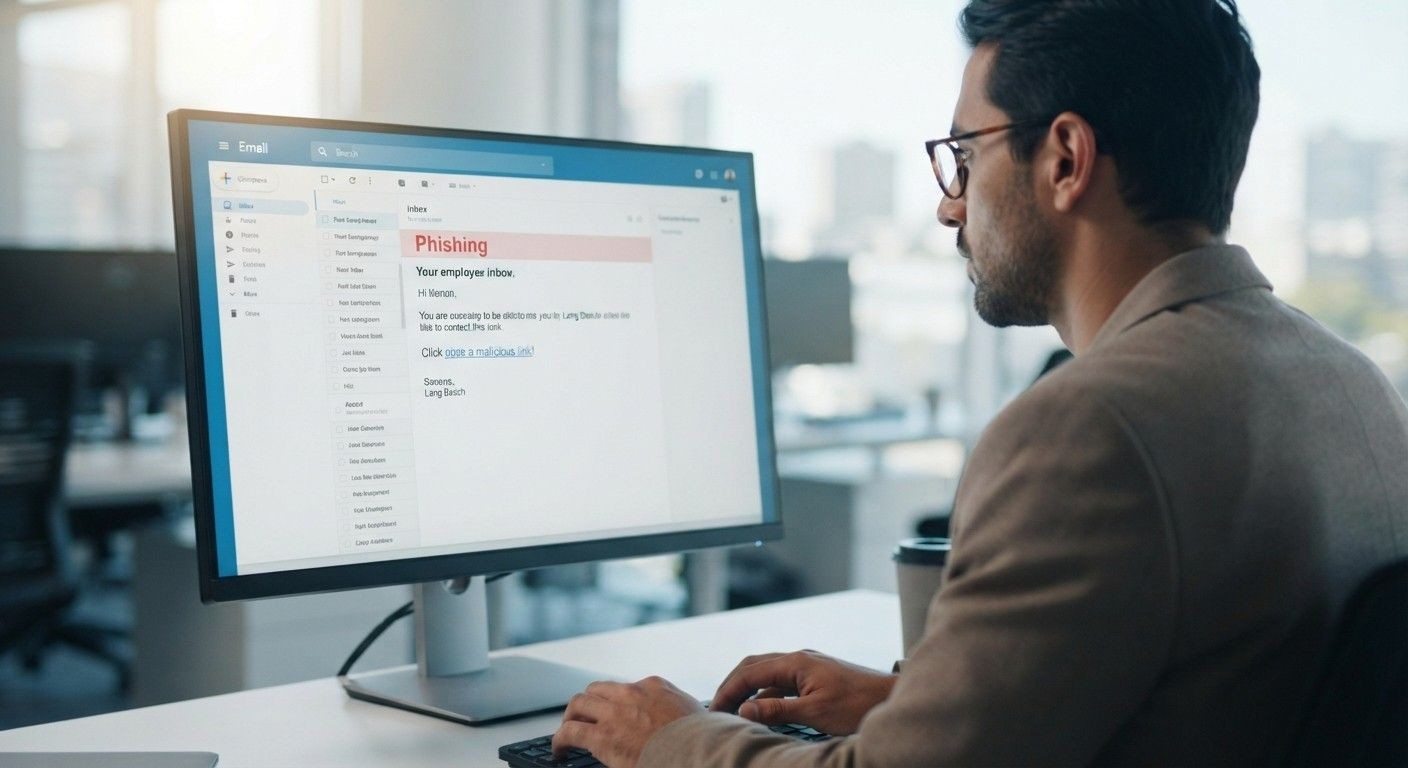
Phishing, ransomware, compromised accounts, malware, and data loss can expose sensitive information and create costly downtime.
Small businesses also often rely on employees to handle technology tasks alongside their primary responsibilities. That may work when the company is very small, but technology becomes harder to manage as the organization grows.
Professional IT support can help businesses move from reactive troubleshooting to proactive technology management.
When Should a Small Business Outsource IT?
Growth and Increasing Complexity Are Common Warning Signs
There isn't a specific employee count at which every business should outsource IT.
Instead, businesses should consider their technology complexity and risk.
Outsourcing may make sense when:
Employees frequently experience technology problems.
There is no dedicated IT professional.
Business owners are handling IT themselves.
Cybersecurity requirements are becoming more complicated.
The company is adding employees or locations.
Remote workers need consistent technical support.
Backups are inconsistent or untested.
Network performance is becoming difficult to manage.
The business depends heavily on cloud applications.
The key question is whether your current IT approach provides enough support for the business you have today, and the business you're trying to become.
What Are the Benefits of Outsourcing IT?
Small Businesses Can Access Broader IT Expertise
One of the biggest advantages of outsourcing IT is access to a wider range of technical knowledge.
An individual employee may be highly skilled in one area, but modern IT involves many specialties.
A managed IT provider may support areas such as cybersecurity, cloud infrastructure, networking, device management, backups, business continuity, and technology planning.
Instead of relying on one person to understand everything, a business can work with a team with different areas of expertise.
This can be especially valuable for small businesses that don't have the resources to hire specialists for every technology need.
Outsourced IT vs. Hiring an In-House IT Employee
Which Option Is Better Depends on the Business
Hiring an internal IT employee provides direct access to someone who understands the company and its daily operations.
However, one employee may not be able to provide expertise across every area of modern IT.
An outsourced IT provider can provide access to a broader team and technology resources.
The comparison isn't simply about salary.
Businesses should consider the total cost of hiring, benefits, training, software, security tools, backup systems, monitoring tools, professional development, and coverage when an employee is unavailable.
For some growing companies, a managed IT provider can provide broader capabilities without requiring the business to build a complete internal IT function.
Can Outsourcing IT Reduce Technology Costs?
Predictable IT Support Can Make Technology Spending Easier to Manage
Technology costs can be difficult to predict when businesses only respond to problems after they occur.
A major hardware failure, security incident, or network problem can create unexpected expenses.
Managed IT services can provide a more structured approach to IT spending.
Instead of paying only when something breaks, businesses can invest in ongoing maintenance, monitoring, security, and support.
This doesn't necessarily mean outsourcing is always cheaper than hiring internally.
The value comes from comparing the total cost of maintaining IT internally with the capabilities, expertise, and support available through an external provider.
How Outsourcing IT Can Improve Cybersecurity
Security Requires Continuous Attention
Cybersecurity isn't something a business can address once and then forget.
Threats change constantly, software needs updates, employee accounts change, devices are added, and new vulnerabilities can emerge.
Outsourced IT services can help businesses maintain security controls across their technology environment.
Depending on the provider and service plan, this may include endpoint protection, account management, network security, security monitoring, patch management, employee support, and backup management.
For small businesses without dedicated cybersecurity expertise, professional support can provide an additional layer of protection.
Backup, Disaster Recovery, and Business Continuity
IT Outsourcing Can Help Businesses Prepare for Technology Disruptions
Hardware failures, accidental deletions, cyberattacks, and other incidents can result in data loss or downtime.
A backup strategy helps businesses recover important information, but simply having a backup isn't enough.
Businesses should understand what is being backed up, how frequently backups occur, where they are stored, and how recovery would work during an actual incident.
An IT provider can help establish and maintain backup and recovery processes as part of a broader business continuity strategy.
This can help a small business recover more effectively when technology problems occur.
IT Support for Remote and Hybrid Employees
Outsourcing Can Help Keep Distributed Teams Connected
Remote and hybrid work environments introduce additional IT considerations.
Employees may work from home, coworking spaces, client locations, or multiple offices.
They still need secure access to business applications, reliable devices, cloud services, and company data.
An outsourced IT provider can help standardize device management, security practices, account access, and technical support across different locations.
This can be particularly useful for growing Mountain View businesses with employees distributed throughout the Bay Area.
Can Outsourced IT Scale With a Growing Business?
Your Technology Support Should Grow With You
A small business may start with a few computers and basic cloud applications.
Over time, it may add employees, servers, cloud services, business applications, security tools, office locations, and remote workers.
An IT strategy that works for five employees may not work for fifty.
Managed IT services can provide a framework that scales as the business changes.
This may include onboarding new employees, configuring devices, managing access, expanding network infrastructure, implementing new cloud solutions, and updating cybersecurity controls.
Are There Disadvantages to Outsourcing IT?
Outsourcing Isn't Automatically the Right Choice for Every Business
There are potential drawbacks.
A business may have less direct control over day-to-day IT decisions, and employees may need to work with an external support team rather than an internal colleague.
Service quality can also vary significantly between providers.
This makes choosing the right IT partner important.
Before signing an agreement, businesses should understand what services are included, how support requests are handled, what response times are offered, how cybersecurity is managed, and how the provider communicates with clients.
The best outsourcing relationship should feel like an extension of the business—not simply an outside vendor.
How Should a Small Business Choose a Managed IT Provider?
Look Beyond the Monthly Price
When evaluating managed IT providers, consider the provider's approach to security, support, communication, and long-term planning.
Important questions include:
What services are included?
Is cybersecurity included?
How is network performance monitored?
How are backups managed?
How quickly are support requests addressed?
Does the provider offer proactive monitoring?
Can services scale as the business grows?
Does the provider support cloud environments?
Is there a clear onboarding process?
Can the provider help with long-term technology planning?
A lower monthly price isn't necessarily the best value if important services are excluded.
Why Does Local IT Support Matter in Mountain View?
Local Businesses Have Unique Technology Needs
Mountain View sits at the heart of Silicon Valley and is surrounded by businesses that depend heavily on technology.
From professional services firms and startups to established companies with distributed teams, organizations in the area often rely on cloud platforms, business applications, secure networks, and connected devices.
Working with a provider familiar with the Mountain View and Bay Area business environment can make communication and support more convenient.
For businesses that occasionally require hands-on assistance, having a provider serving the local area can also be valuable.
How Creative Tech Supports Small Businesses
Managed IT Services Designed Around Business Needs
Creative Tech helps businesses manage technology proactively rather than waiting for problems to interrupt operations.
Its technology services include managed IT services, cybersecurity, cloud solutions, backup and recovery, network services, network monitoring, and enterprise Wi-Fi.
For a small business, this can mean having access to technology expertise without having to build an entire IT department internally.
Creative Tech can also help businesses identify technology gaps and develop an IT environment that supports long-term growth.
The focus is not simply on fixing computers when they stop working. It is on helping businesses maintain a more reliable, secure, and manageable technology environment.
Free Diagnostic for Small Businesses
Find Out Whether Your Current IT Strategy Is Working
If you're unsure whether your business is ready to outsource IT, the first step doesn't have to be signing a managed services agreement.
A technology assessment can help identify where your current environment stands.
Creative Tech offers a free diagnostic that can help businesses identify potential technology, security, network, backup, and support gaps.
This gives business owners a clearer picture of their current IT environment and where improvements may be needed.
For a growing Mountain View business, that information can help answer a more important question than simply “Should we outsource IT?”
The better question is:
“What IT strategy will give our business the support and security it needs to grow?”
Conclusion
Should Your Small Business Outsource IT?
For many small businesses, outsourcing IT can provide access to expertise, security, monitoring, support, backup management, and strategic technology planning without the cost of building a large internal IT department.
However, outsourcing isn't automatically the right solution for every organization.
The decision should depend on your business size, technology environment, internal expertise, cybersecurity requirements, growth plans, and budget.
If your employees are spending too much time dealing with technology problems, your cybersecurity needs are becoming more complex, or your business is growing faster than your current IT infrastructure can support, it may be time to explore managed IT services.
For businesses in Mountain View, California, Creative Tech provides managed IT, cybersecurity, cloud, network, and backup services designed to help organizations manage technology proactively.
If you're not sure where your current IT environment stands, start with a free diagnostic and identify the areas that may need attention before they become bigger business problems.
Frequently Asked Questions
Is outsourcing IT worth it for a small business?
It can be. Outsourcing can give small businesses access to broader technical expertise, cybersecurity, monitoring, backups, and ongoing support without building a large internal IT department.
When should a small business outsource IT?
Consider outsourcing when technology becomes difficult to manage internally, cybersecurity requirements increase, employees experience frequent IT problems, or the business is growing rapidly.
Is outsourced IT cheaper than hiring an IT employee?
Not always. The cost depends on the business's needs and the services included. Businesses should compare the total cost of internal IT—including salaries, benefits, tools, training, and security—with the cost and capabilities of an outsourced provider.
What are managed IT services?
Managed IT services involve an external IT provider proactively managing and supporting some or all of a company's technology environment.
Can a small business outsource cybersecurity?
Yes. Small businesses can work with managed IT or cybersecurity providers to implement and maintain security controls, monitoring, endpoint protection, access management, and other cybersecurity measures.
Can outsourced IT support remote employees?
Yes. Managed IT providers can help support remote and hybrid employees through device management, cloud access, account security, network support, and remote troubleshooting.
What should I look for in a managed IT provider?
Look for transparent services, proactive monitoring, cybersecurity expertise, reliable support, clear response procedures, scalable services, and a provider that understands your business goals.
Does Creative Tech provide managed IT services in Mountain View?
Yes. Creative Tech provides managed IT, cybersecurity, cloud, backup and recovery, network, and related technology services for businesses in Mountain View and the surrounding Bay Area.
Does Creative Tech offer a free IT diagnostic?
Yes. Creative Tech offers a free diagnostic to help businesses identify potential technology and security gaps.
Need device repair? Visit 360 Creative Tech for a free diagnostic.