Employee Onboarding IT Checklist
A Complete Guide to Setting Up New Employees for Success
Hiring a new employee is an exciting milestone for any business, but ensuring they have the right technology from day one is just as important as completing HR paperwork. Today's workplaces rely on laptops, cloud applications, email platforms, collaboration tools, and secure network access to keep employees productive. Without a structured IT onboarding process, new hires may spend their first few days waiting for account access, troubleshooting devices, or requesting technical support instead of contributing to the business.
A well-planned IT onboarding checklist helps businesses streamline the setup process, improve cybersecurity, and create a positive first impression for new employees. It also reduces the risk of configuration errors, unauthorized access, and unnecessary downtime. Whether you're onboarding one employee or expanding your team rapidly, having a standardized process ensures every new hire receives the tools they need to succeed.
For businesses in Mountain View, Palo Alto, Sunnyvale, Cupertino, Santa Clara, San Jose, Redwood City, and throughout the Bay Area, Creative Tech provides professional IT support, device setup, network configuration, and Managed IT Services to simplify employee onboarding. With our free IT consultation, businesses can evaluate their current onboarding process and implement best practices that improve productivity and security.
Why IT Onboarding Matters
The Right Technology Sets Employees Up for Success
The first day at a new job shapes an employee's experience with the company. If their laptop isn't configured, email isn't working, or they can't access shared files, valuable time is lost. A structured IT onboarding process ensures employees can begin working immediately while reducing frustration for both staff and management.
An effective onboarding process provides several advantages:
Faster employee productivity
Consistent device configurations
Reduced technical issues
Improved cybersecurity
Better user experience
Lower long-term IT support costs
Standardized onboarding also makes it easier for IT teams to manage devices, apply updates, and troubleshoot problems in the future.
At Creative Tech, we help businesses establish repeatable onboarding workflows that support long-term growth and operational efficiency.
Prepare Company Devices Before Day One
Every Employee Should Receive a Fully Configured Device
One of the most important steps in IT onboarding is preparing company-issued equipment before a new employee arrives. Devices should be configured, tested, and updated in advance so employees can start working immediately.
Depending on the employee's role, this may include:
Laptop or desktop computer
Company smartphone
Monitor
Keyboard and mouse
Docking station
Headset
Chargers and power adapters
Asset identification labels
Each device should also receive operating system updates, security patches, and hardware testing before being assigned to the employee.
Providing properly configured equipment from the start reduces onboarding delays and demonstrates professionalism.
Install Essential Business Software
Give Employees the Tools They Need to Work Efficiently
Modern businesses rely on a variety of software applications for communication, collaboration, and daily operations. Installing these tools before an employee's first day allows them to begin contributing immediately instead of waiting for software access.
Common business applications include:
Google Workspace
Microsoft Teams
Zoom
Slack
Adobe Creative Cloud (where applicable)
Customer Relationship Management (CRM) software
Accounting software
VPN software
Web browsers
PDF tools
Every employee doesn't require access to every application. Installing software based on job responsibilities helps simplify onboarding while reducing licensing costs.
Creative Tech assists businesses with software deployment, licensing management, and device configuration to ensure every employee receives the right tools.
Create User Accounts and Assign Appropriate Permissions
Secure Access Begins with Proper Account Management
Once devices are prepared, employees need secure access to company systems. Creating user accounts involves more than simply assigning an email address; it requires carefully controlling what information employees can access.
A secure onboarding process typically includes:
Business email account creation
Microsoft 365 or Google Workspace account setup
Network login credentials
Shared drive access
Department-specific permissions
Cloud storage access
Printer access
Application licensing
Using role-based access control (RBAC) ensures employees receive access only to the systems and files required for their position. This approach strengthens security while simplifying user management.
Businesses should also enforce strong password policies and avoid sharing generic accounts among multiple employees.
Configure Cybersecurity Protection
Security Should Be Built Into Every New Device
Cybersecurity should never be treated as an afterthought. Every company device should be protected before it reaches a new employee.
A comprehensive security setup includes:
Business-grade antivirus software
Endpoint protection
Firewall configuration
Device encryption
Multi-factor authentication (MFA)
Automatic security updates
Password manager installation
Screen lock policies
These measures significantly reduce the risk of malware infections, unauthorized access, phishing attacks, and data breaches.
At Creative Tech, we help businesses implement layered security solutions that protect employees while maintaining productivity.
Connect Employees to Business Networks
Reliable Connectivity Supports Everyday Productivity
Even the best-configured laptop won't be useful if employees can't connect to company resources. Before a new hire begins work, IT teams should verify that all required network connections function correctly.
Network setup should include:
Business Wi-Fi access
Secure VPN configuration for remote employees
Access to shared network drives
Cloud storage synchronization
Printer connectivity
Remote desktop access (if required)
Testing these connections before the employee's first day helps eliminate unnecessary troubleshooting and support requests.
Businesses with hybrid or remote teams should pay particular attention to VPN configuration and secure remote access to company systems.
Set Up Backup and Recovery Solutions
Protect Business Data from Day One
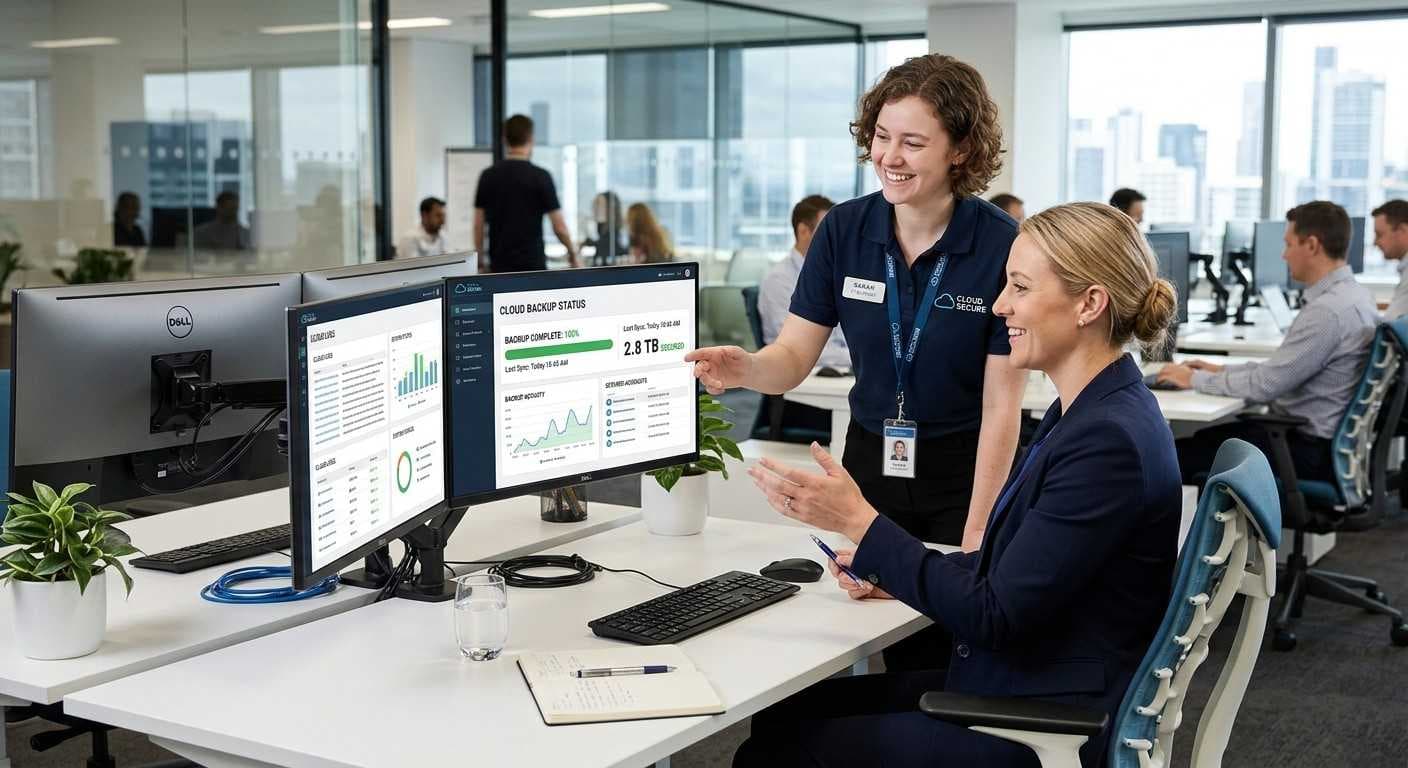
Every employee creates valuable business information, making backup and recovery an essential part of the onboarding process. Waiting until after data is created to configure backups leaves businesses vulnerable to accidental deletion, hardware failure, or cyberattacks.
A reliable backup strategy should include:
Automatic cloud backups
OneDrive or Google Drive synchronization
Local backups for critical files
Version history for documents
Recovery testing
Employees should understand where business files should be stored to ensure important information is automatically backed up.
Creative Tech helps businesses implement backup solutions that protect critical data while simplifying file recovery in the event of hardware failure or accidental deletion.
Train Employees on IT Best Practices
Technology Training Is Just as Important as Device Setup
Providing employees with a fully configured laptop and software is only part of the onboarding process. Without proper training, even the most secure IT environment can be compromised by simple human mistakes. Teaching employees how to use technology safely from day one helps reduce cybersecurity risks, improve productivity, and minimize unnecessary IT support requests.
New employees should receive basic IT security training during onboarding so they understand company policies and best practices before accessing sensitive business information.
Key topics to cover include:
Creating strong, unique passwords
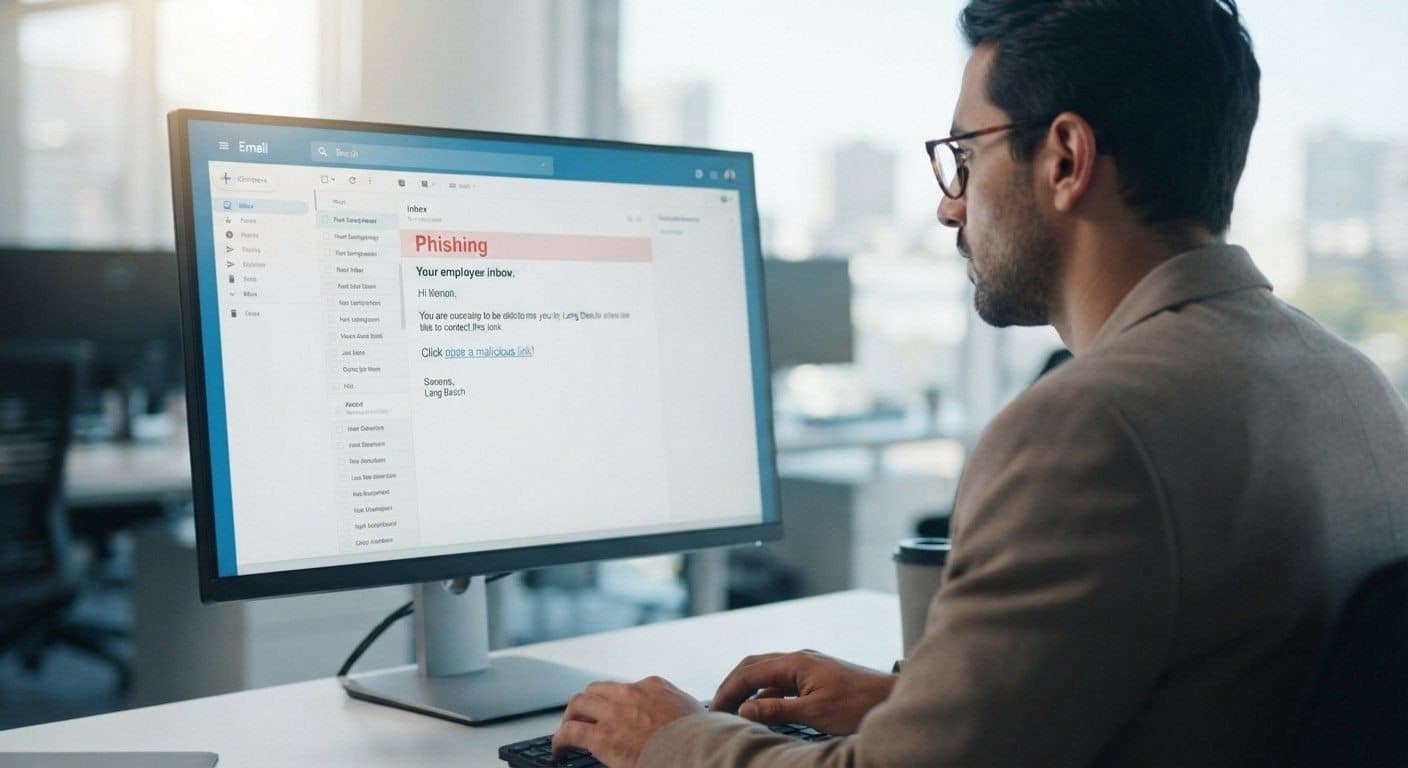
Recognizing phishing emails
Safely downloading files and software
Using company-approved cloud storage
Reporting suspicious emails or activity
Protecting confidential customer information
Locking computers when away from their desks
Using secure Wi-Fi networks when working remotely
Even short training sessions can significantly reduce the likelihood of security incidents caused by human error.
At Creative Tech, we help businesses implement cybersecurity best practices that empower employees to become the first line of defense against cyber threats.
Document the IT Onboarding Process
A Standardized Checklist Improves Consistency
As businesses grow, onboarding multiple employees can quickly become difficult without proper documentation. A standardized IT onboarding checklist ensures every employee receives the same level of preparation while reducing the chances of missed steps.
Maintaining clear documentation also makes future troubleshooting, upgrades, and offboarding much easier.
A complete onboarding record should include:
Assigned device information
Serial numbers and asset tags
Installed software
User account details
Access permissions
Security settings
Backup configuration
Network access information
Equipment issued to the employee
Documenting each step creates consistency across the organization while helping IT teams manage equipment and software licenses more efficiently.
Creative Tech helps businesses develop organized IT documentation that supports long-term growth and simplifies technology management.
Schedule Ongoing IT Support
Employee Support Doesn't End After the First Day
Even with excellent onboarding, employees will eventually have questions or encounter technical issues. Ongoing IT support ensures they receive assistance quickly, minimizing downtime and allowing them to remain productive.
Businesses should establish clear procedures for requesting technical support, whether employees work in the office, remotely, or in a hybrid environment.
Effective ongoing IT support may include:
Remote technical support
On-site troubleshooting
Help desk services
Software updates
Hardware maintenance
Device monitoring
Security patch management
Performance optimization
Regular maintenance and proactive monitoring also help identify potential issues before they impact employees, reducing unexpected downtime and extending the lifespan of business devices.
At Creative Tech, our Managed IT Services provide continuous support to help businesses maintain secure, reliable, and high-performing technology environments.
Why Businesses Choose Quick Fix Computers
Local IT Experts Supporting Businesses Across the Bay Area
Managing employee onboarding internally can become challenging as businesses grow. Quick Fix Computers provides comprehensive IT solutions that simplify device deployment, improve cybersecurity, and ensure employees are ready to work from day one.
Businesses throughout Mountain View, Palo Alto, Sunnyvale, Cupertino, Santa Clara, San Jose, Redwood City, and the greater Bay Area trust our experienced technicians for reliable IT support tailored to their operational needs.
Our business IT services include:
Managed IT Services
Employee laptop and desktop setup
Microsoft 365 configuration
Google Workspace setup
Business email configuration
Network setup and troubleshooting
Secure Business Wi-Fi
Endpoint security and antivirus protection
Backup and disaster recovery solutions
Data recovery services
Hardware upgrades and maintenance
Ongoing remote and on-site IT support
Whether you're onboarding your first employee or expanding your workforce, our team helps ensure your technology is configured correctly, securely, and efficiently.
Schedule Your Free IT Consultation
Build a Smarter IT Onboarding Process
A strong onboarding process starts with the right technology strategy. If your business lacks a standardized IT setup process or you're planning to grow your team, a professional consultation can help identify opportunities to improve efficiency and security.
Creative Tech offers a free IT consultation for businesses in Mountain View and the surrounding Bay Area. During this consultation, our technicians assess your current onboarding process and recommend practical improvements tailored to your business.
Our consultation includes:
IT infrastructure review
Device readiness assessment
Security evaluation
User account and access review
Software deployment recommendations
Backup and recovery assessment
Managed IT Services consultation
Our goal is to help businesses create a seamless onboarding experience while reducing downtime, improving cybersecurity, and supporting long-term growth.
Conclusion
An effective IT onboarding process is more than simply handing a new employee a laptop. It's about ensuring they have secure access to the tools, software, and resources they need to perform their job from the moment they begin. By preparing devices in advance, installing essential software, implementing cybersecurity protections, configuring backups, and providing employee training, businesses can improve productivity while reducing security risks and technical issues.
A standardized onboarding checklist also creates consistency across the organization, making it easier to manage users, devices, and software as your business grows.
At Creative Tech, we help businesses across Mountain View, Palo Alto, Sunnyvale, Cupertino, Santa Clara, San Jose, Redwood City, and the Bay Area simplify employee onboarding with professional IT support, Managed IT Services, and proactive technology management. Whether you're hiring one employee or building an entire team, our experts can help ensure your IT infrastructure is ready to support your success.
Contact Creative Tech today to schedule your free IT consultation and discover how a well-structured onboarding process can improve efficiency, strengthen security, and support your business for years to come.
Frequently Asked Questions
What is an IT onboarding checklist?
An IT onboarding checklist is a standardized process that ensures new employees receive properly configured devices, secure account access, required software, and cybersecurity protections before they begin work.
Why is IT onboarding important for businesses?
A structured onboarding process improves productivity, reduces technical issues, strengthens cybersecurity, and creates a better experience for new employees.
What should every new employee receive on their first day?
Employees should receive a fully configured laptop or desktop, required software, email access, network credentials, collaboration tools, and any necessary accessories such as monitors or docking stations.
Should businesses enable multi-factor authentication (MFA)?
Yes. Multi-factor authentication adds an additional layer of security by requiring users to verify their identity beyond a password, helping protect business accounts from unauthorized access.
How often should employee devices be updated?
Business devices should receive regular operating system updates, security patches, driver updates, and application updates to maintain performance and protect against cybersecurity threats.
Does Creative Tech provide Managed IT Services for businesses?
Yes. Creative Tech provides Managed IT Services, employee device setup, cybersecurity solutions, business network support, Microsoft 365 configuration, data backup, and ongoing IT support for businesses throughout Mountain View and the Bay Area.
Need device repair? Visit 360 Creative Tech for a free diagnostic.