Cybersecurity Checklist for Bay Area Small Businesses
A Practical Guide to Protecting Your Business from Modern Cyber Threats
Cybersecurity has become one of the most important investments for small and medium-sized businesses across the Bay Area. As companies increasingly rely on cloud applications, remote work, digital payments, and connected devices, cybercriminals continue to target businesses that lack strong security measures. Many business owners believe hackers only target large enterprises, but in reality, small businesses are often easier targets because they typically have fewer IT resources and weaker security controls.
Whether you operate a medical practice in Palo Alto, a law firm in Mountain View, a retail store in San Jose, or a growing startup in Sunnyvale, protecting your systems, customer information, and business operations should be a top priority. A single ransomware attack, phishing email, or network breach can lead to financial loss, operational downtime, and damage to your company's reputation.
At Creative Tech, we help businesses throughout Mountain View, San Jose, Palo Alto, Cupertino, Sunnyvale, Santa Clara, Redwood City, and the greater Bay Area strengthen their cybersecurity through managed IT services, network security, endpoint protection, and proactive monitoring. This cybersecurity checklist highlights the essential steps every Bay Area business should take to reduce cyber risks and build a more secure IT environment.
Conduct a Comprehensive Security Assessment
Understand Your Security Before Attackers Do
Every effective cybersecurity strategy begins with understanding your current security posture. Many businesses unknowingly operate with outdated software, weak passwords, unsecured Wi-Fi networks, or improperly configured systems that create opportunities for cybercriminals. Without a comprehensive assessment, these vulnerabilities often remain hidden until a security incident occurs.
A professional cybersecurity assessment provides a complete overview of your business technology. Rather than focusing on a single device or application, it evaluates your entire IT environment to identify weaknesses that could affect daily operations or expose sensitive information.
During a professional assessment, businesses should evaluate:
Network security and firewall configuration
Computers, servers, and mobile devices
Cloud applications and remote access
User permissions and administrator accounts
Backup and disaster recovery systems
Existing antivirus and endpoint protection
At Creative Tech, we begin every engagement with a free cybersecurity diagnostic, allowing businesses to identify potential risks before they become costly security incidents. This proactive approach helps organizations prioritize improvements and build a stronger security foundation.
Secure Your Business Network
Build a Strong First Line of Defense
Your network serves as the backbone of your business operations. Every employee device, cloud application, printer, phone, and server connects through your business network. If attackers gain access to your network, they may also gain access to customer records, financial information, confidential documents, and internal business systems.
Properly securing your network requires more than installing a basic internet router. Modern businesses benefit from professionally configured firewalls, secure wireless networks, network segmentation, and continuous monitoring to identify unusual activity before it becomes a serious threat.
Businesses should ensure they have:
Secure business-grade firewall protection
Encrypted Wi-Fi networks
Separate guest and employee wireless networks
Virtual Private Network (VPN) access for remote employees
Continuous network monitoring
Regular firmware updates for networking equipment
For businesses across Mountain View and the Bay Area, network security has become even more important as hybrid work environments continue to grow. Employees connecting from multiple locations require secure access without compromising the organization's overall security posture.
Implement Strong Password Policies
Simple Passwords Create Serious Risks
Weak passwords remain one of the leading causes of cybersecurity breaches. Cybercriminals frequently use automated software capable of testing thousands of password combinations within minutes. If employees reuse passwords across multiple accounts or choose predictable passwords, unauthorized access becomes significantly easier.
A strong password policy protects both employee accounts and business systems. Organizations should encourage the use of long, unique passwords combined with Multi-Factor Authentication (MFA) wherever possible.
Effective password management includes:
Creating unique passwords for every account
Using password managers for secure storage
Enabling Multi-Factor Authentication (MFA)
Avoiding password sharing
Reviewing administrator accounts regularly
Implementing these simple practices dramatically reduces the likelihood of compromised accounts and unauthorized system access.
Keep Software and Systems Updated
Patch Vulnerabilities Before They Are Exploited
Cybercriminals often target known software vulnerabilities that have already been fixed by software developers. Unfortunately, businesses that delay software updates remain exposed to these publicly documented security flaws.
Routine patch management is one of the simplest yet most effective cybersecurity practices. Keeping operating systems, applications, and firmware updated helps eliminate vulnerabilities before attackers have the opportunity to exploit them.
Businesses should regularly update:
Windows and macOS operating systems
Business applications
Antivirus software
Firewalls and networking equipment
Cloud collaboration platforms
Automating software updates wherever possible helps ensure critical security patches are installed promptly, reducing exposure to cyber threats.
Every Device Can Become an Entry Point
Today's business environment includes far more than desktop computers. Employees often work from laptops, smartphones, tablets, and home offices while accessing sensitive company information. Every connected device represents a potential entry point for malware, ransomware, or unauthorized access.
Endpoint security focuses on protecting these devices through advanced monitoring, threat detection, and centralized management. Instead of waiting until a device becomes infected, endpoint protection continuously monitors activity and blocks suspicious behavior before significant damage occurs.
An effective endpoint security strategy includes:
Business-grade antivirus software
Anti-malware protection
Device encryption
Endpoint Detection and Response (EDR)
Mobile device management
Remote device monitoring
For businesses operating across the Bay Area, endpoint protection is particularly important as employees increasingly access company systems from multiple devices and locations.
Employee Cybersecurity Training
Your Employees Are Your First Line of Defense
Even with advanced cybersecurity software in place, human error remains one of the most common causes of security incidents. Employees receive phishing emails, fake invoices, fraudulent login pages, and malicious attachments every day. Without proper training, even experienced staff members can unknowingly compromise business systems.
Cybersecurity awareness training empowers employees to recognize suspicious activity before it becomes a serious problem. Rather than relying solely on technology, businesses should build a culture where every employee understands their role in protecting company data.
Training programs should cover topics such as:
Identifying phishing emails
Recognizing social engineering attacks
Safe password practices
Secure internet browsing
Reporting suspicious activity
Protecting confidential business information
Regular cybersecurity awareness sessions help reduce preventable mistakes while improving the organization's overall security posture.
Data Backup and Disaster Recovery
Protect Your Business Before Data Loss Happens
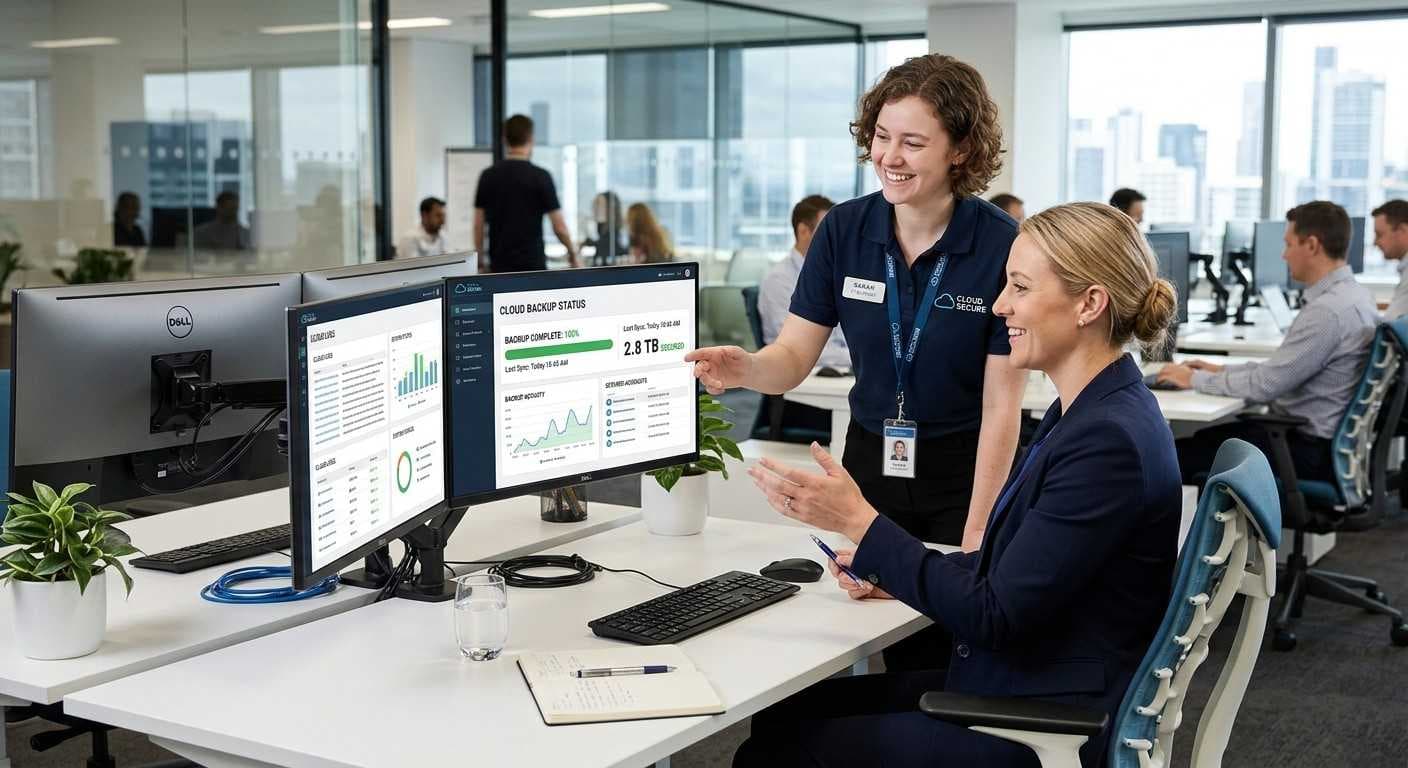
No cybersecurity strategy is complete without a reliable backup and disaster recovery plan. Even the strongest security measures cannot guarantee complete protection against ransomware, hardware failures, accidental deletion, or natural disasters. What separates resilient businesses from vulnerable ones is how quickly they can recover.
Regular backups ensure that critical business information, including customer records, financial data, emails, and operational documents; can be restored with minimal downtime. Businesses that fail to back up their data often face lengthy disruptions and significant financial losses after a cyber incident.
A comprehensive backup strategy should include:
Automated daily backups
Secure cloud backups
Local backup storage
Regular backup testing
Disaster recovery planning
At Creative Tech, we help Bay Area businesses implement secure backup and disaster recovery solutions that minimize downtime and keep operations running even during unexpected events.
Secure Your Business Email
Prevent Phishing and Business Email Attacks
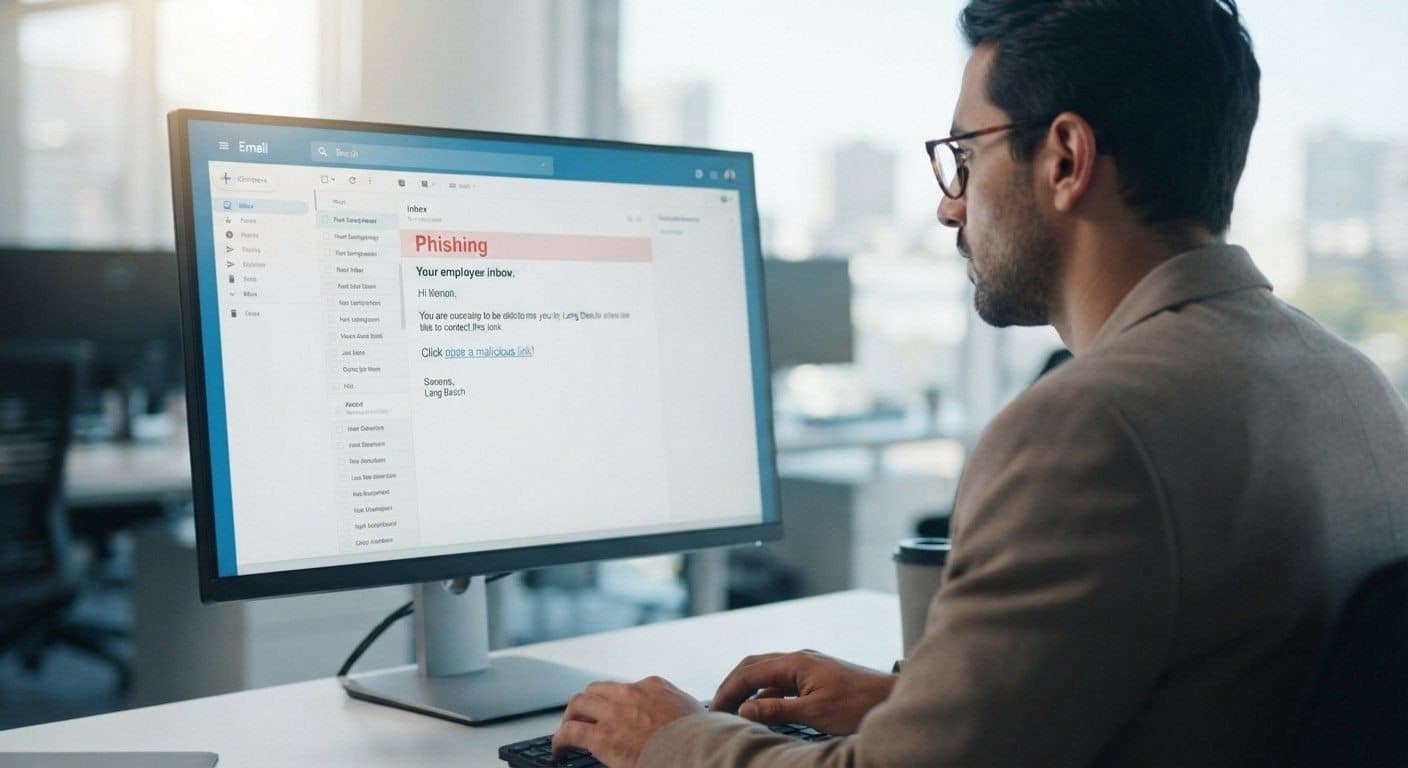
Email remains one of the most common ways cybercriminals gain access to business systems. A single employee clicking on a malicious link or downloading an infected attachment can lead to malware infections, ransomware attacks, or stolen credentials.
Modern email security involves much more than spam filtering. Businesses should deploy advanced protection that detects phishing attempts, suspicious attachments, impersonation attacks, and malicious URLs before they ever reach employees' inboxes.
A secure business email system should include:
Advanced spam filtering
Anti-phishing protection
Email encryption
Multi-Factor Authentication (MFA)
Secure Microsoft 365 or Google Workspace configuration
By securing business email, organizations significantly reduce one of the most common attack vectors used by cybercriminals.
Control User Access and Permissions
Limit Access to Sensitive Business Information
Not every employee needs access to every system or piece of business data. Providing excessive permissions increases the potential damage if an employee account becomes compromised.
Implementing role-based access control ensures employees can only access the information necessary for their responsibilities. This principle of least privilege reduces the impact of both internal mistakes and external attacks.
Businesses should regularly review:
Employee access levels
Administrator accounts
Shared folders
Cloud application permissions
Employee onboarding and offboarding procedures
Removing unnecessary permissions strengthens overall security while reducing organizational risk.
Monitor Your Network Continuously
Detect Threats Before They Become Major Incidents
Cybersecurity is not a one-time setup; it requires ongoing monitoring. Many cyberattacks begin quietly, with attackers spending days or even weeks inside a network before launching ransomware or stealing sensitive data.
Continuous monitoring helps identify suspicious activity early, allowing businesses to respond before significant damage occurs.
Professional network monitoring can detect:
Unusual login attempts
Unauthorized devices
Malware activity
Network intrusions
Suspicious data transfers
Failed login patterns
At Creative Tech, our managed cybersecurity services include proactive monitoring that helps businesses identify and respond to threats around the clock.
Develop an Incident Response Plan
Prepare Before an Attack Happens
Every business should know exactly what to do if a cybersecurity incident occurs. Without a documented response plan, employees often waste valuable time deciding how to respond while attackers continue causing damage.
An incident response plan should clearly define:
How security incidents are identified.
Who should be notified.
How affected systems will be isolated.
Recovery procedures.
Steps to restore normal operations.
Post-incident reviews and improvements.
Planning ahead allows businesses to recover faster, minimize downtime, and reduce financial losses.
Schedule Regular Cybersecurity Audits
Cybersecurity Requires Continuous Improvement
Technology changes rapidly, and so do cyber threats. A security strategy that was effective last year may no longer provide adequate protection today. Regular cybersecurity audits help businesses identify new vulnerabilities, verify existing security controls, and adapt to evolving threats.
Routine audits also support compliance requirements for industries such as healthcare, finance, and legal services, where protecting sensitive information is essential.
Regular security reviews help businesses:
Identify outdated systems
Evaluate firewall performance
Review employee permissions
Test backup and recovery procedures
Strengthen endpoint security
Improve regulatory compliance
Continuous improvement keeps your business prepared for emerging cybersecurity challenges.
Why Bay Area Businesses Choose Creative Tech
Local IT and Cybersecurity Experts You Can Trust
Businesses throughout Mountain View, San Jose, Palo Alto, Sunnyvale, Cupertino, Santa Clara, Redwood City, and the greater Bay Area trust Creative Tech for reliable Managed IT Services and cybersecurity solutions tailored to their unique needs.
Rather than simply responding to IT problems, our team focuses on preventing them through proactive monitoring, strategic planning, and continuous system maintenance. We work closely with businesses to improve security, reduce downtime, and keep critical systems running efficiently.
Our cybersecurity services include:
Free cybersecurity diagnostics
Managed IT Services
Network security
Firewall configuration
Endpoint protection
Cloud security
Microsoft 365 support
Business Wi-Fi solutions
Backup and disaster recovery
Security monitoring
IT consulting
Ongoing maintenance and support
Whether you're a growing startup or an established business, our experienced technicians provide scalable IT solutions designed to support long-term growth while protecting your business from evolving cyber threats.
Conclusion
Cybersecurity is no longer optional for Bay Area businesses. As cyber threats continue to evolve, small businesses must take a proactive approach to protecting their networks, devices, employees, and sensitive data.
By conducting regular security assessments, strengthening network defenses, implementing strong password policies, training employees, securing business email, and maintaining reliable backups, businesses can significantly reduce their risk of cyberattacks.
At Creative Tech, we help businesses throughout Mountain View, San Jose, Palo Alto, Sunnyvale, Cupertino, Santa Clara, Redwood City, and the surrounding Bay Area build secure, reliable IT environments through comprehensive Managed IT Services and cybersecurity solutions.
If you're unsure whether your business is adequately protected, start with our free cybersecurity diagnostic. Our experts will assess your current IT environment, identify potential vulnerabilities, and recommend practical solutions to improve your security posture; helping your business stay productive, resilient, and protected.
Frequently Asked Questions
How often should a small business perform a cybersecurity assessment?
We recommend conducting a professional cybersecurity assessment at least once a year or whenever significant changes are made to your network, software, or business operations.
Why are small businesses targeted by cybercriminals?
Small businesses often have fewer cybersecurity resources than larger organizations, making them attractive targets for phishing attacks, ransomware, and data breaches.
What is Multi-Factor Authentication (MFA)?
MFA adds an extra layer of security by requiring users to verify their identity using a second method, such as a code sent to their phone, in addition to their password.
How can Managed IT Services improve cybersecurity?
Managed IT Services provide proactive monitoring, software updates, network security, endpoint protection, backup management, and rapid response to security threats, helping reduce the risk of cyberattacks.
What should I do if I think my business has been hacked?
Disconnect affected devices from the network, avoid making unnecessary changes, and contact a trusted IT and cybersecurity provider immediately. Early action can help contain the threat and minimize data loss.